
Description
Hotel Lite is a small WordPress admin tool for small hotels, guest houses, and staff houses. Keep a list of rooms, record stays in wp-admin, and see today’s occupancy — all inside WordPress. It is not a booking engine: guests do not book on the website, and there is no public booking form, payments, calendar, or channel manager.
Features
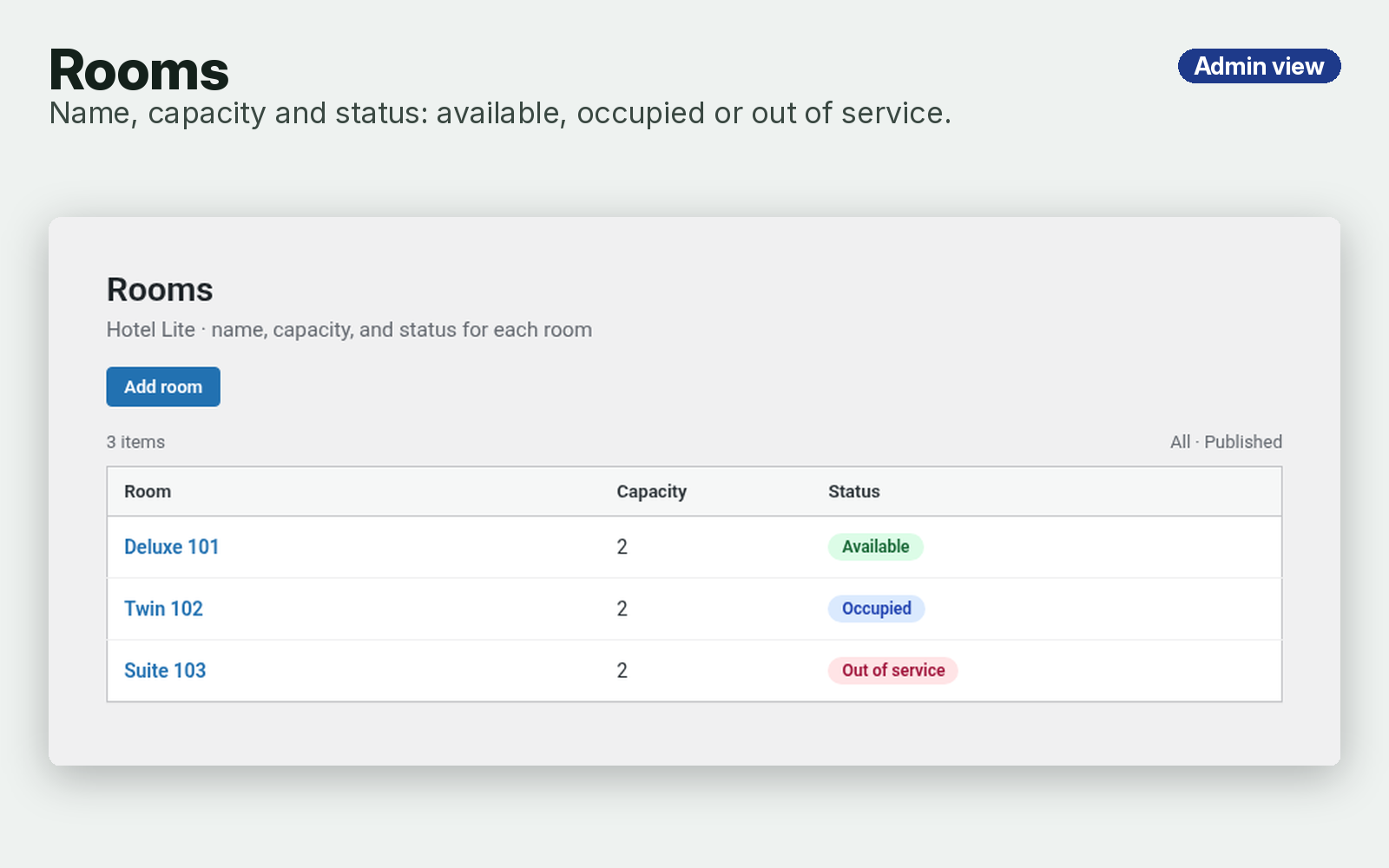
- Rooms — name, capacity, and status (available, occupied, or out of service)
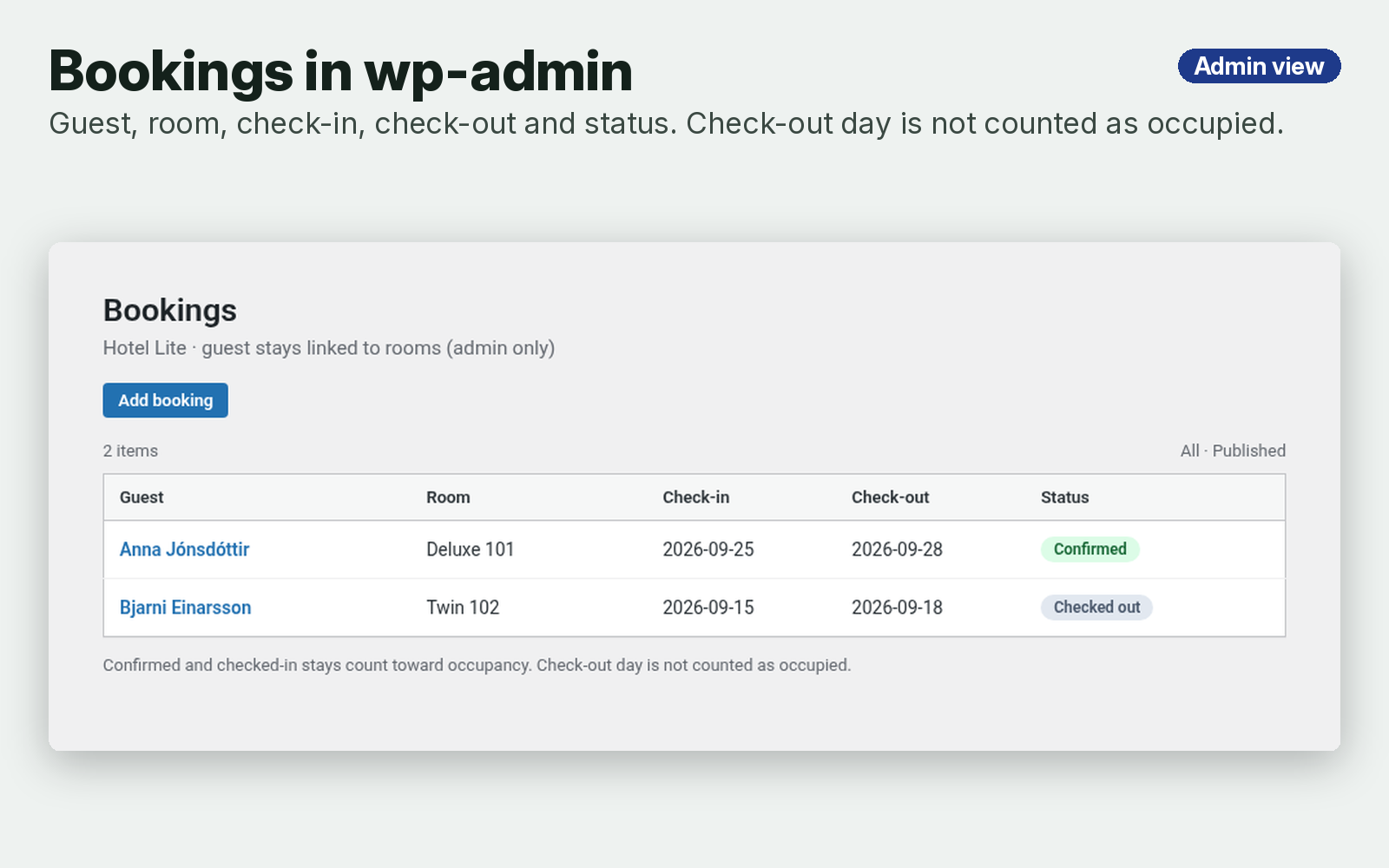
- Admin bookings — guest name, room, check-in, check-out, and status, entered in wp-admin. Admin only — there is no public booking form in this version.
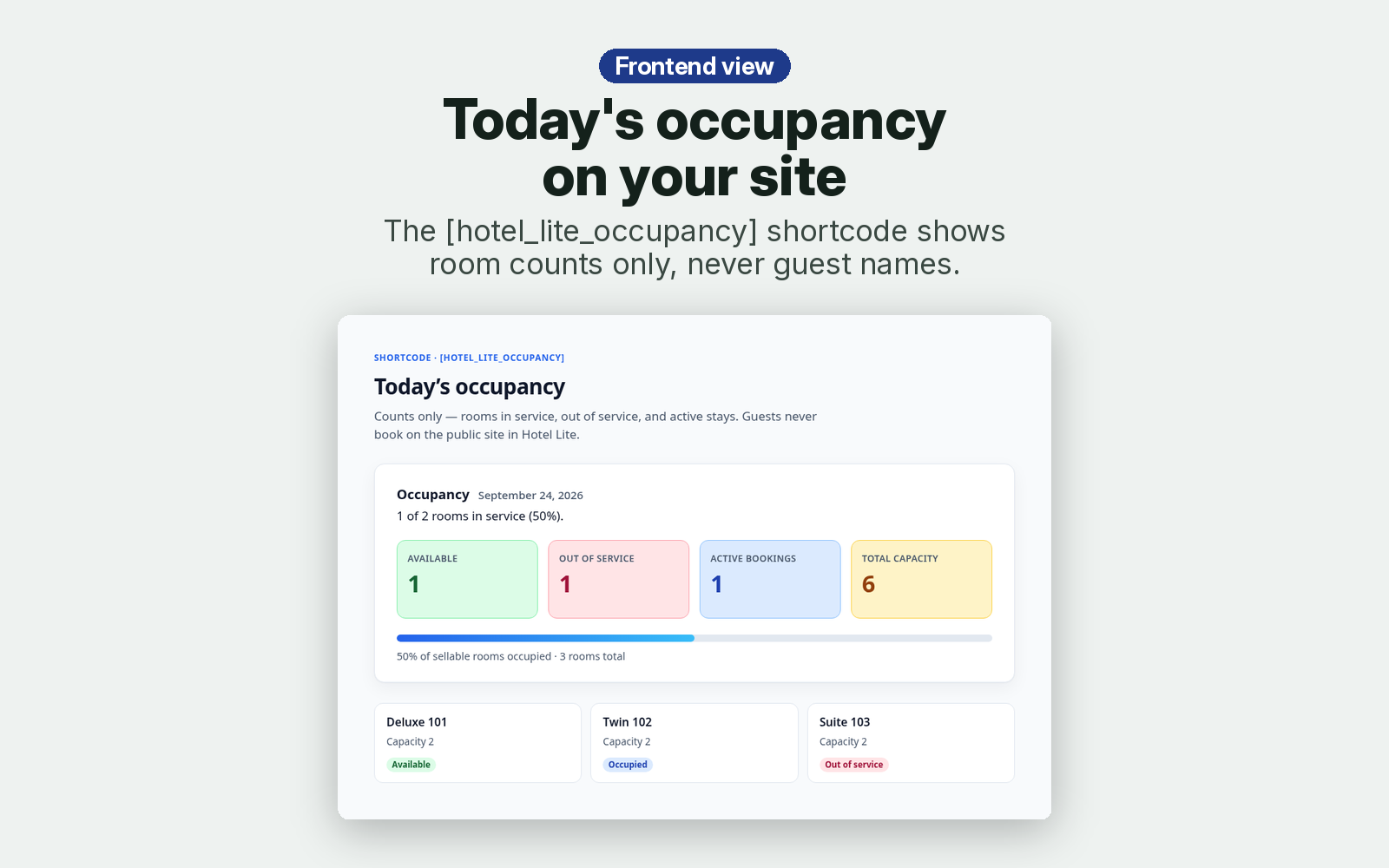
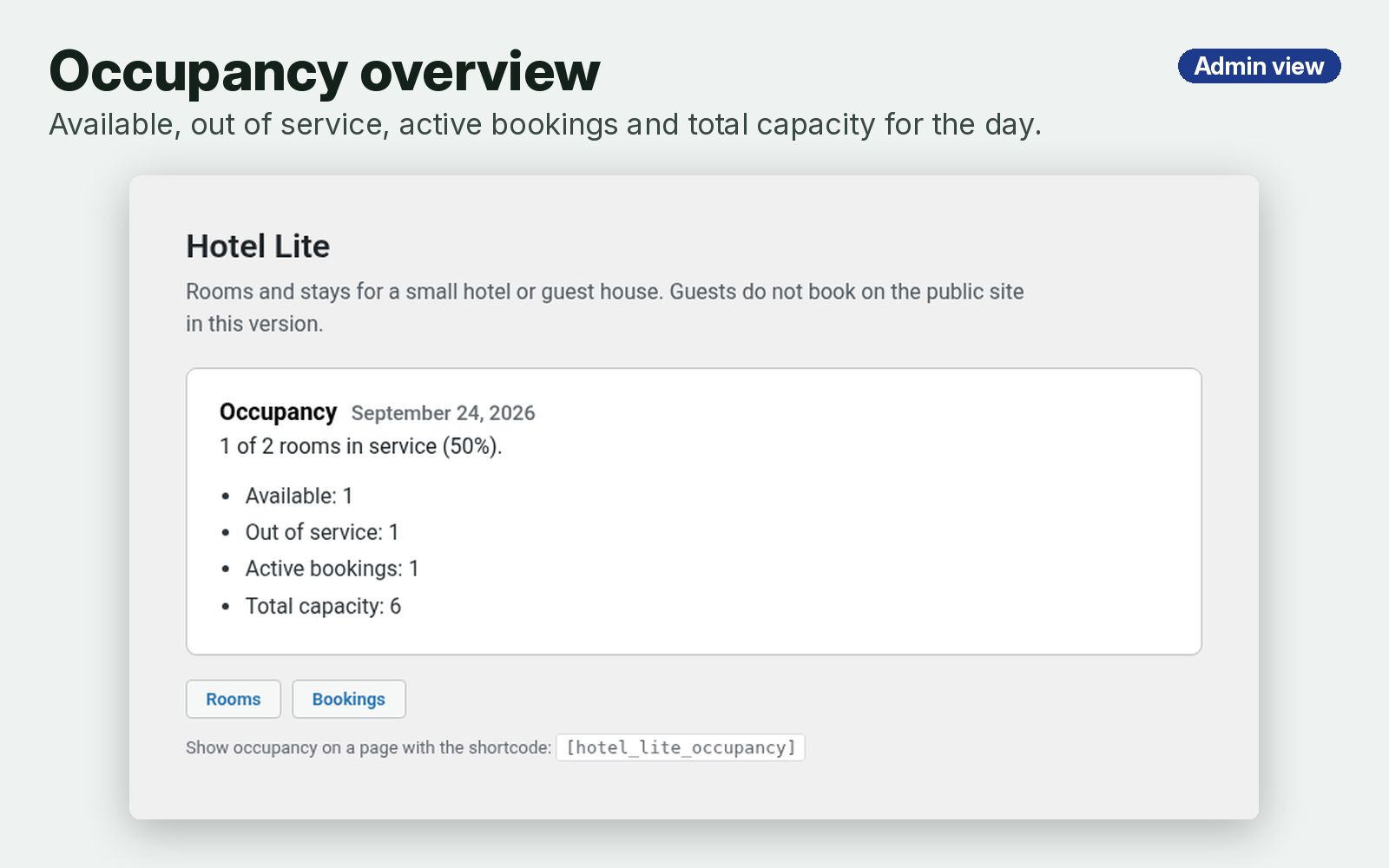
- Occupancy overview and dashboard widget — for a chosen date: available rooms, out-of-service rooms, active bookings, total capacity, and the percentage of sellable rooms occupied
- Frontend shortcode —
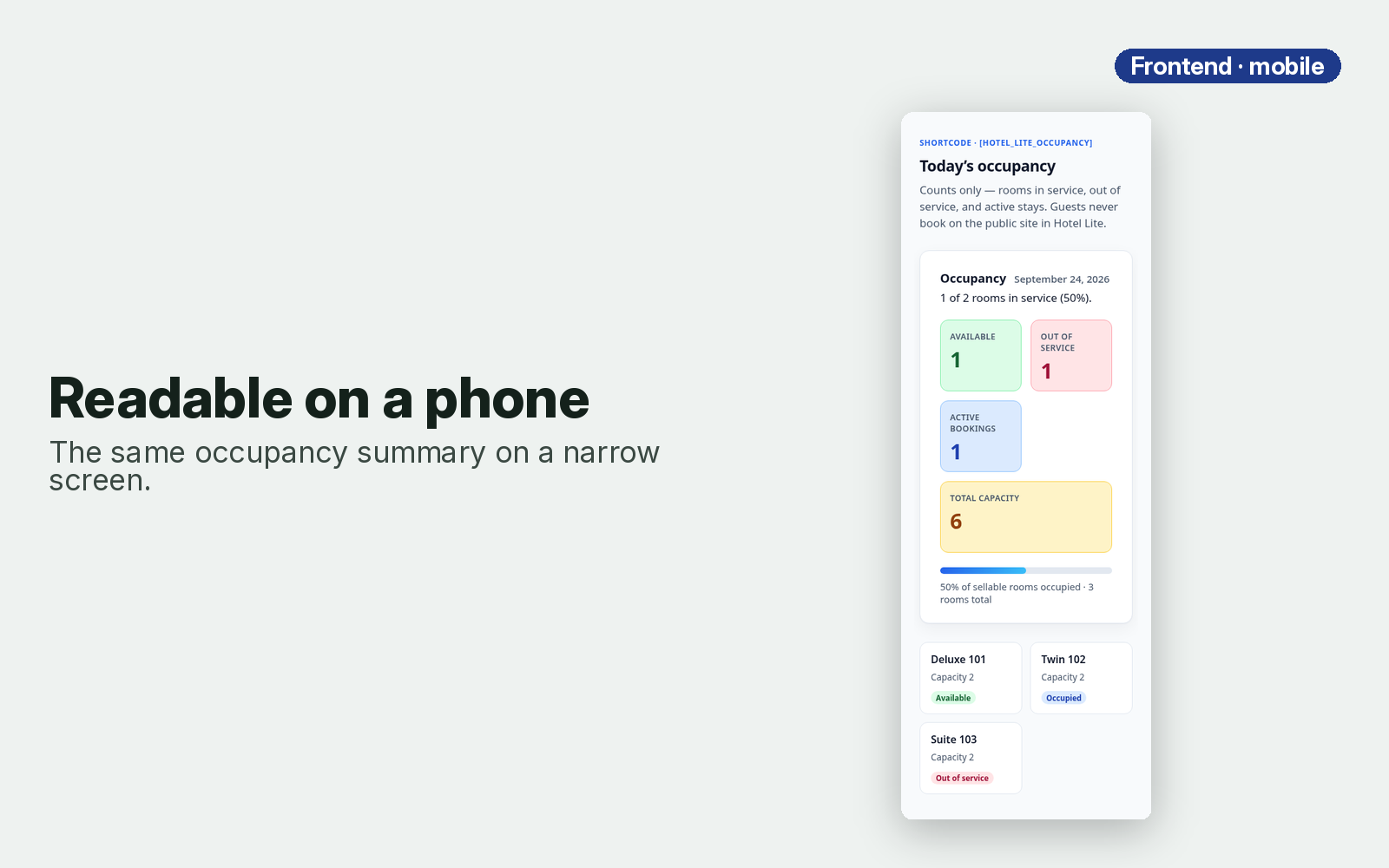
[hotel_lite_occupancy]prints room counts for today on any page or post. Add an optional date attribute, for example[hotel_lite_occupancy date="2026-09-24"]. It shows counts only — no guest names. - Counting rules — check-in day counts as occupied, check-out day does not. Confirmed and checked-in bookings count; drafts are left out.
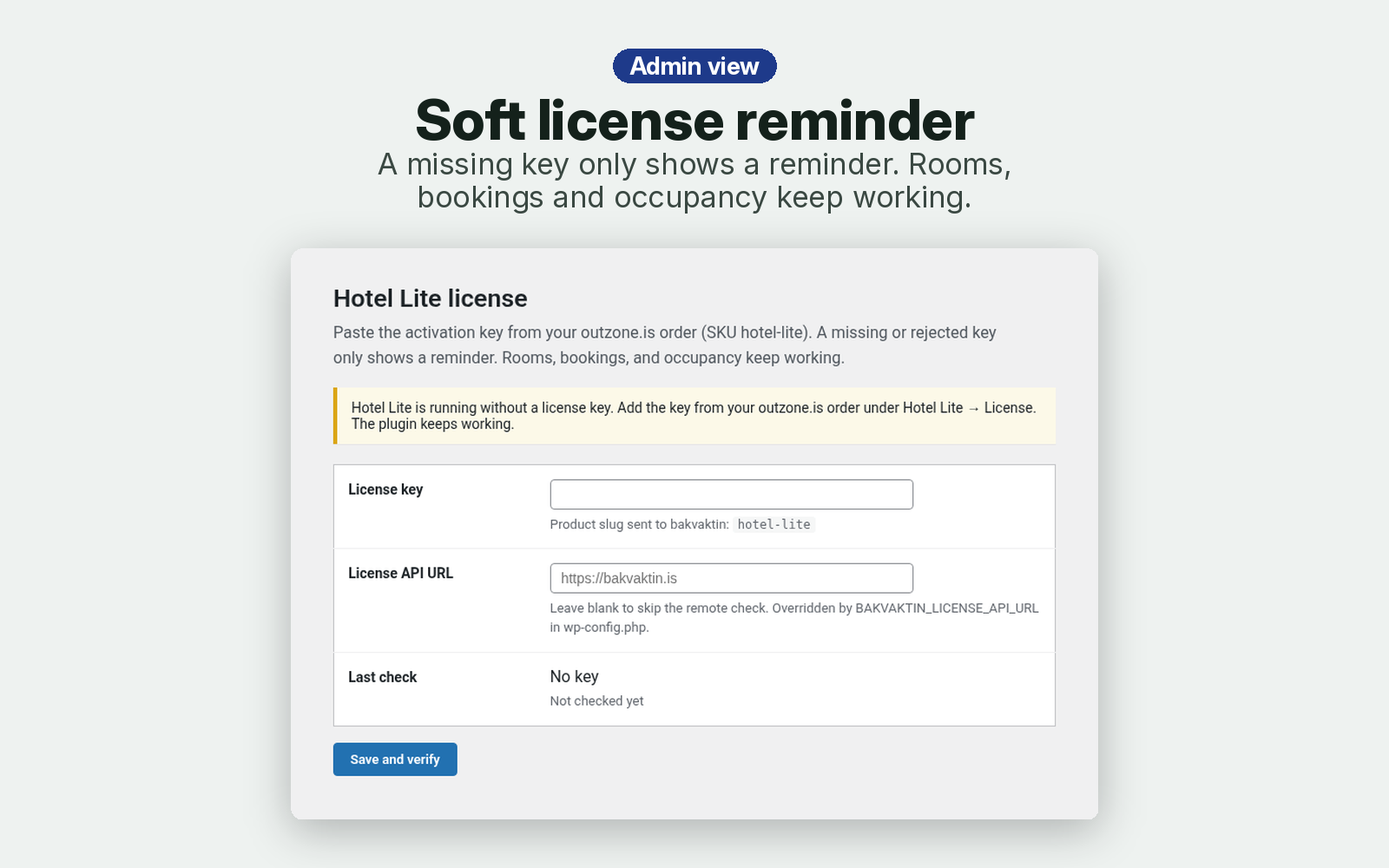
- Soft license reminder — paste the activation key from your outzone.is order (SKU
hotel-lite) in Hotel Lite → License. If the key is missing or invalid, or the license server can’t be reached, Hotel Lite keeps working in full and only shows a reminder — it never locks you out of rooms, bookings, or occupancy. - English UI — English is the default language.
Screenshots
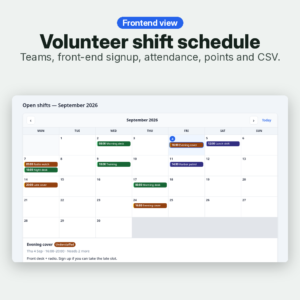
The gallery shows both sides of Hotel Lite: the admin screens for rooms, bookings, the occupancy overview, and the license screen, plus the frontend occupancy view on desktop and on a phone. Screenshots on this page are static previews — there is no demo site.
Kröfur
- WordPress: 6.0 or newer
- PHP: 7.4 or newer
- WooCommerce: not required (the plugin runs on any WordPress site)
Install
- Upload the
hotel-litefolder to/wp-content/plugins/, or install the ZIP via Plugins → Add New → Upload Plugin, then activate Hotel Lite. - Open Hotel Lite → Rooms and publish a room (name, capacity, status).
- Open Hotel Lite → Bookings and record a stay.
- Copy the activation key from your order email or the thank-you page — the key is not inside the ZIP.
- Optional: open Hotel Lite → License and paste the activation key.
Algengar spurningar
Does a missing license key turn the plugin off?
No. You get an admin reminder. Rooms, bookings, and occupancy stay available.
What if the license server does not answer?
The plugin stays fully usable.
Can guests book on the website?
Not in 0.1.0. Bookings are entered in wp-admin.
What does the shortcode show?
[hotel_lite_occupancy] prints room counts for today. Optional attribute: [hotel_lite_occupancy date="2026-09-24"]. It does not list guest names. Check-out day is not counted as occupied.
Is it a subscription?
No. Hotel Lite is €35 EUR one-time for the plugin ZIP. Install it on your own WordPress site and keep your data.
Support: info@outzone.is
Reviews
There are no reviews yet.