
Description
Sayso keeps a private, searchable memory of what you see on your computer and puts a team of AI bots to work for you. Ask about anything you’ve read, say what you need out loud, and let the bots handle it — from sorting your inbox to filling in a form.
What it does
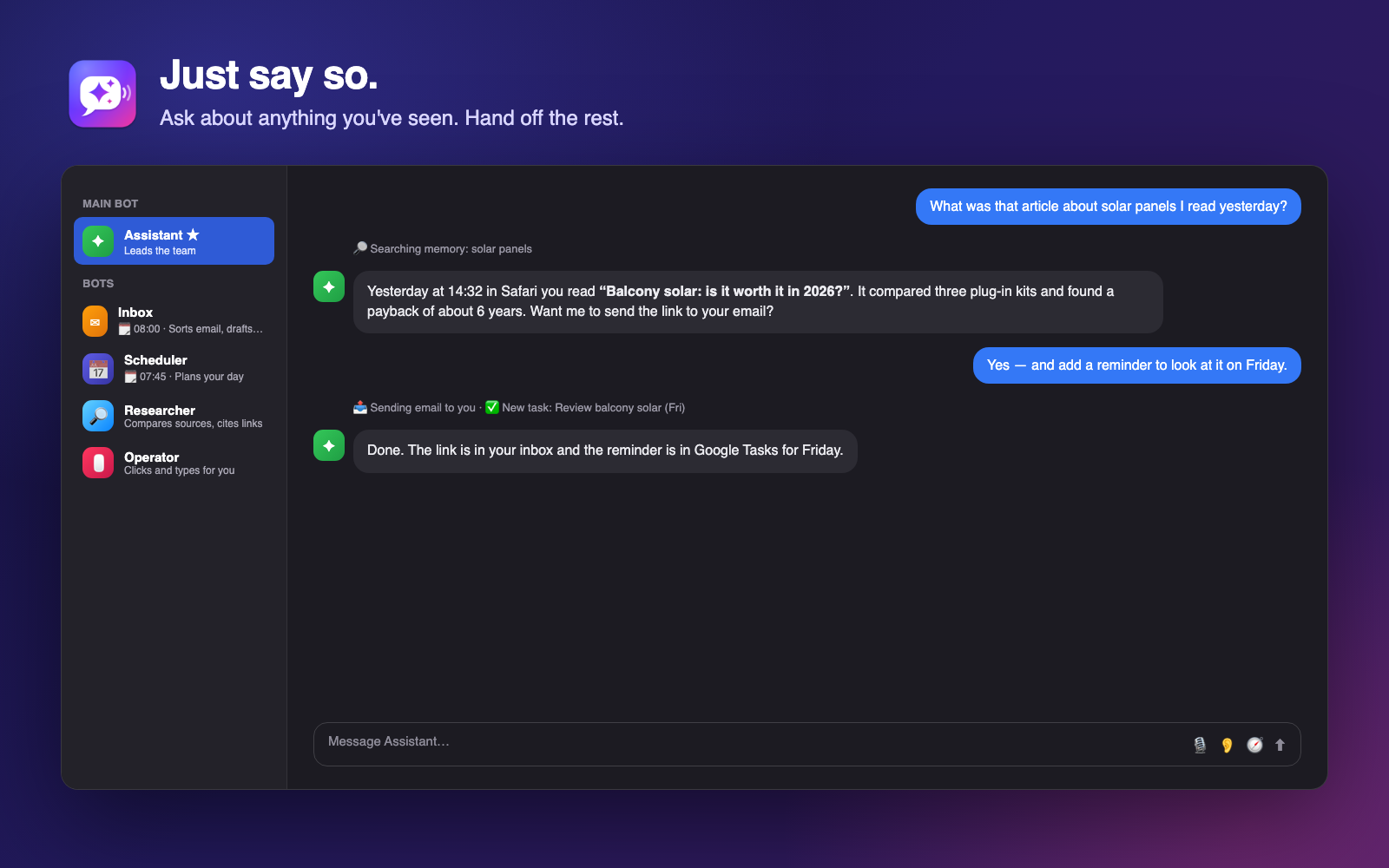
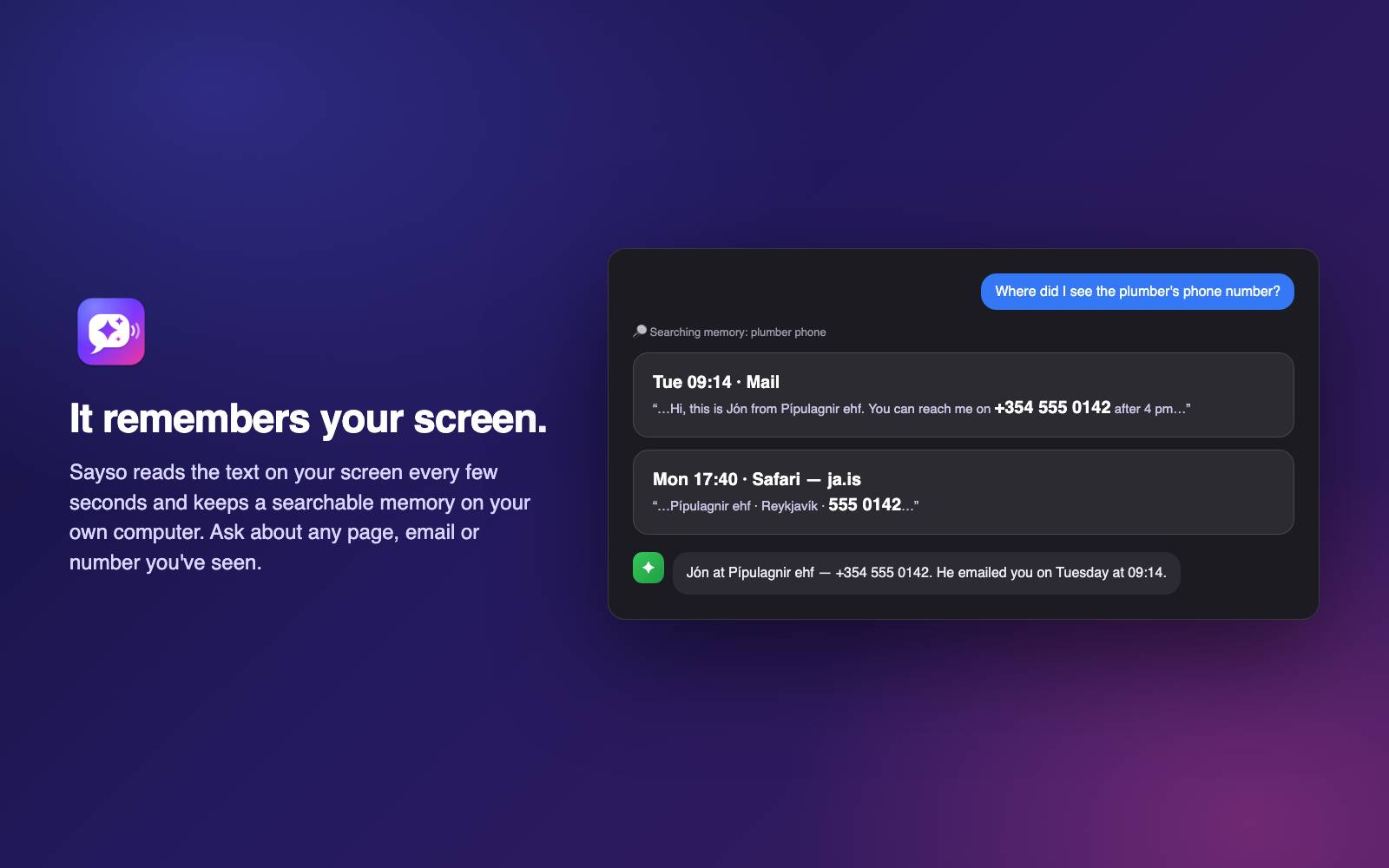
- Remembers your screen. Every few seconds Sayso reads the text on your screen and stores it on your own computer, compressed to about 1 KB per screen. Ask “where did I see the plumber’s number?” or “what was that article about solar panels?” and it answers with when and where you saw it.
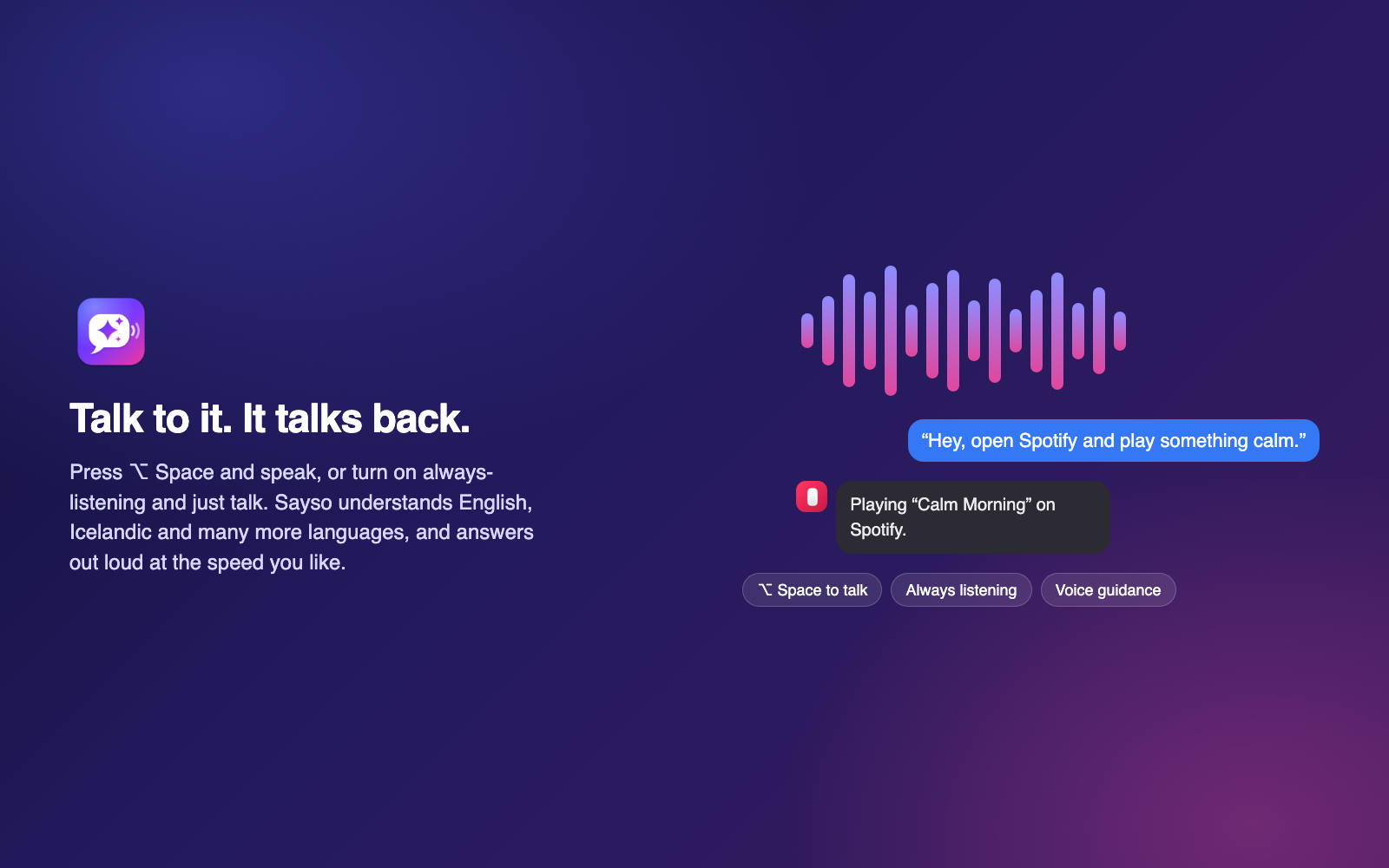
- Talk to it — it talks back. Press ⌥ Space (Alt + Space on Windows) and speak, or turn on always-listening. It understands English, Icelandic and many other languages, and reads answers aloud at the speed you choose.
- Voice guidance while you work. Tell it what you’re trying to do; it watches the screen and tells you the next step as you go.
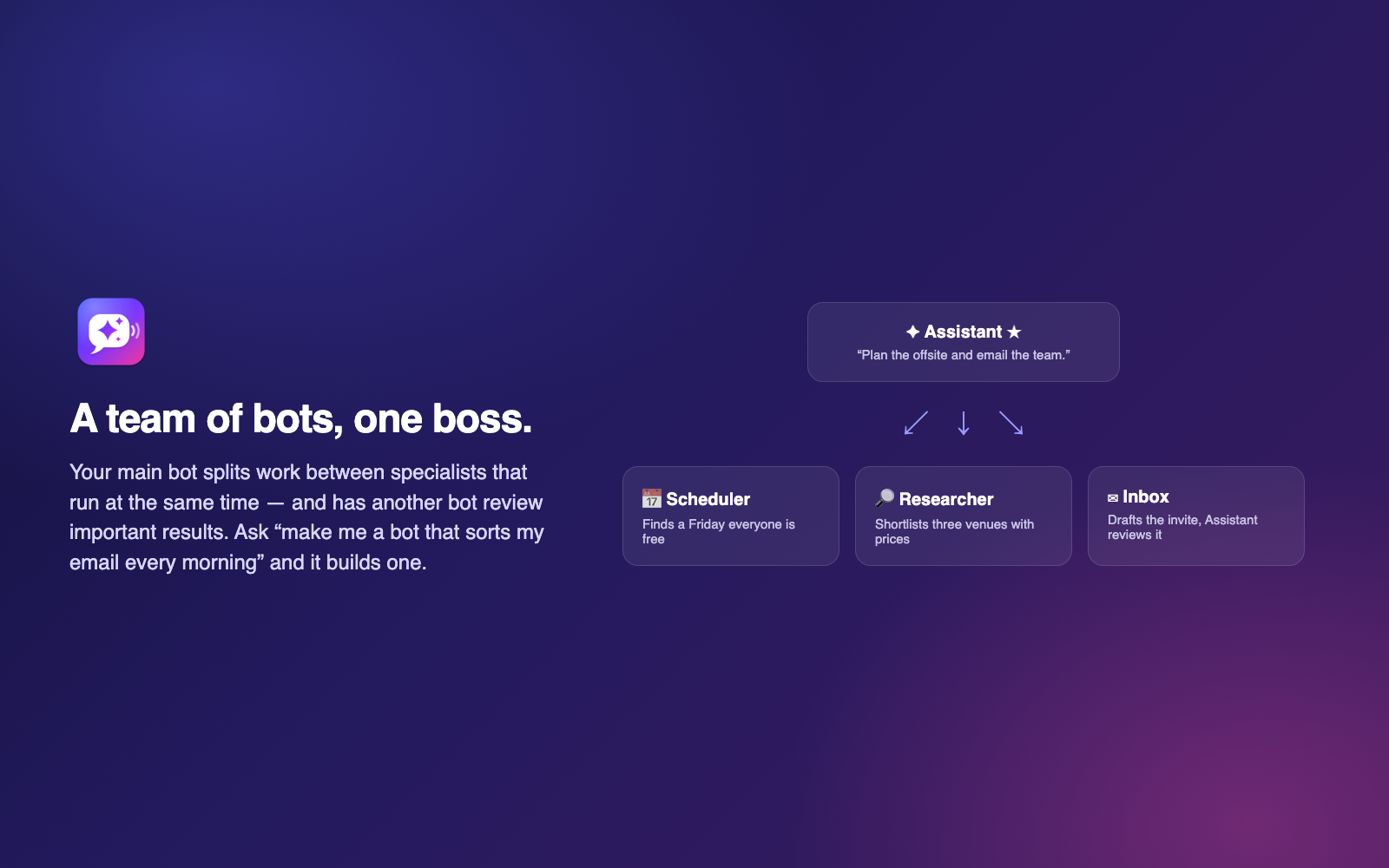
- A team of bots with one boss. Your main bot splits work between specialists that run at the same time, and has another bot review important results. Every bot has its own chat. Ask “make me a bot that sorts my email every morning at 8” and it builds one.
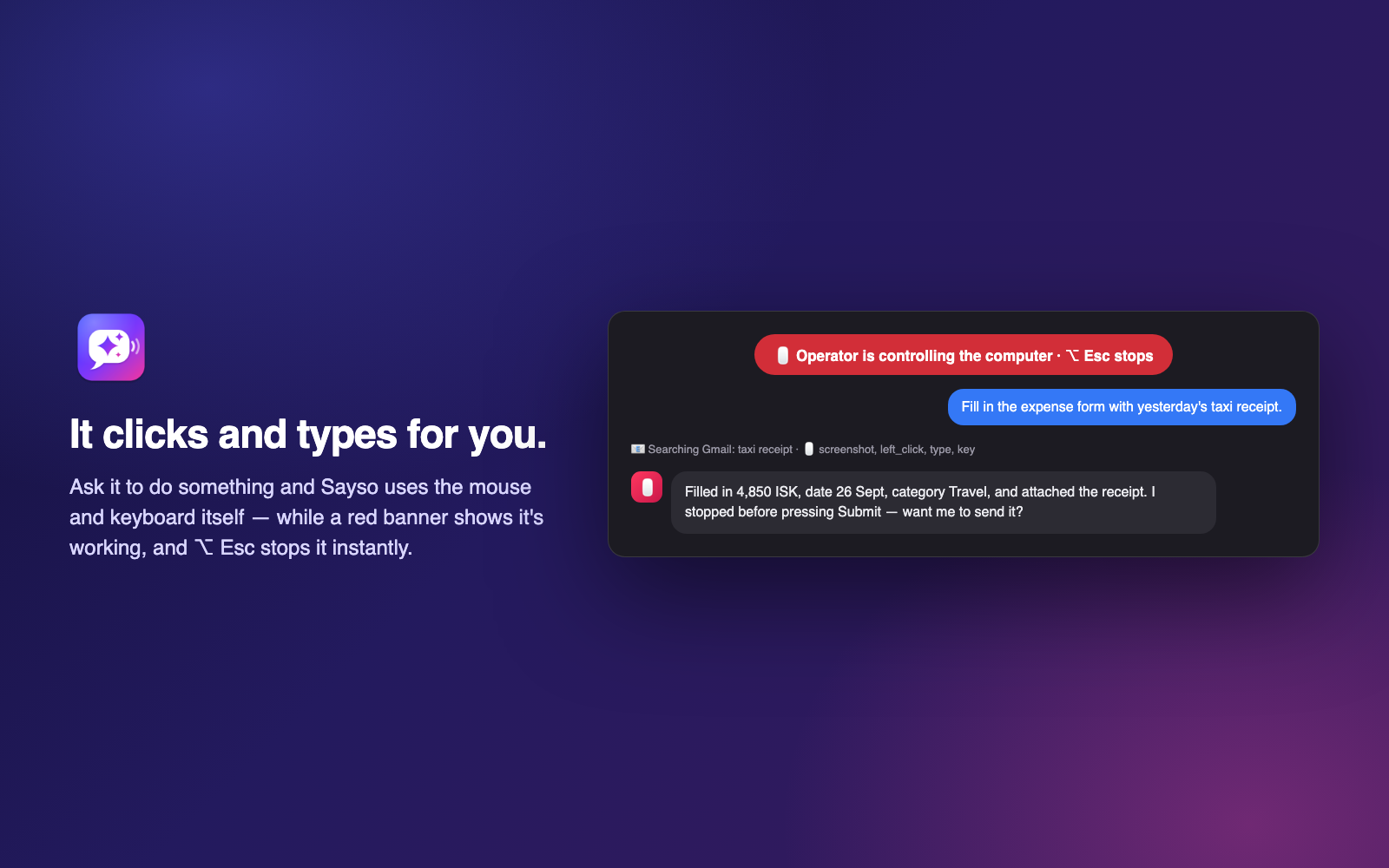
- It clicks and types for you. Bots can use the mouse and keyboard to finish a task. A red banner shows while they work, and ⌥ Esc stops them instantly.
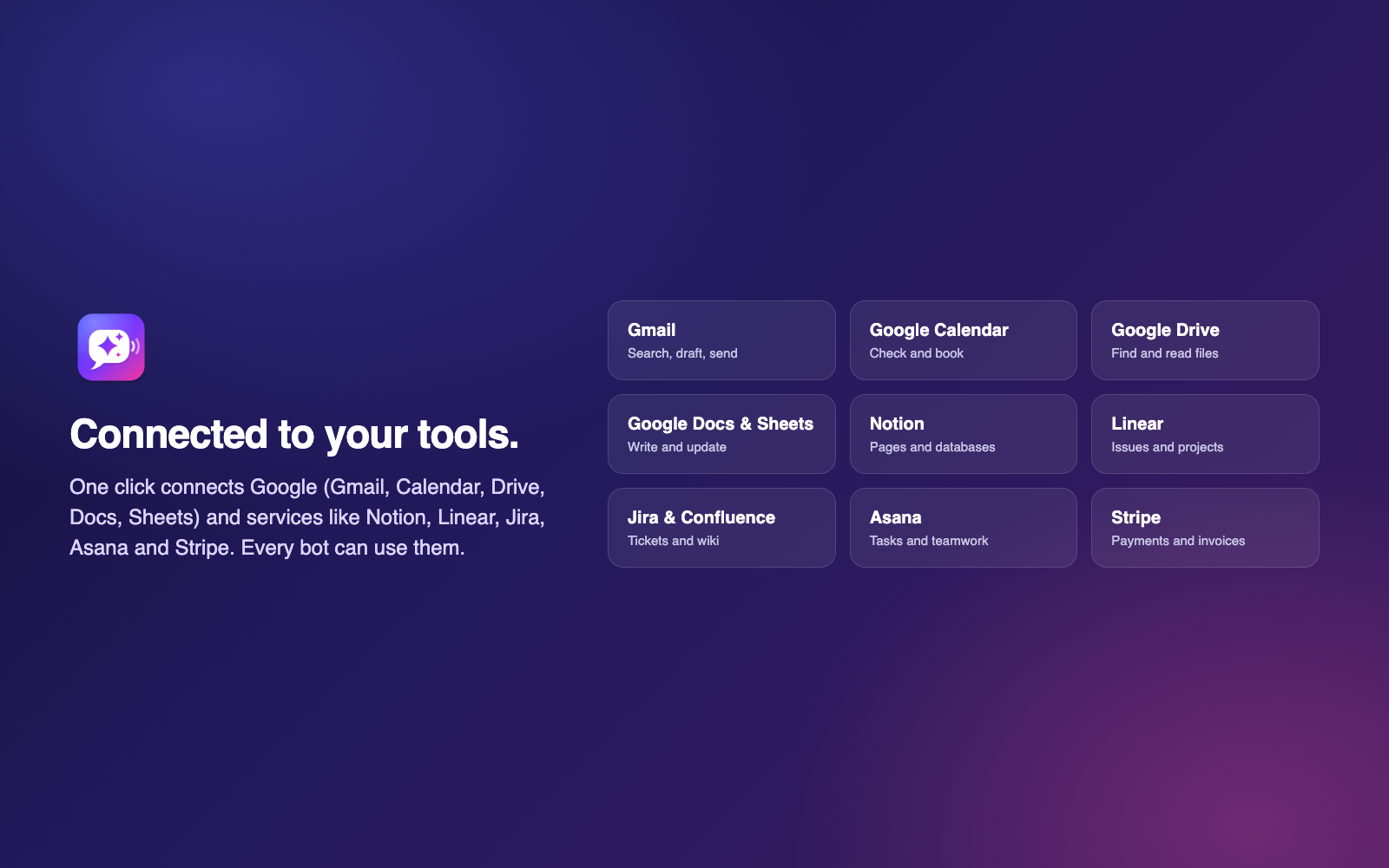
- Connected to your tools. One click connects Google (Gmail, Calendar, Drive, Docs, Sheets, Contacts, Tasks) and services like Notion, Linear, Jira & Confluence, Asana, Stripe, Sentry, Canva, Intercom and Vercel.
- Scheduled bots. Run a bot every weekday at 8:00, every Monday at 9:00, or whenever you like — with a notification when it’s done.
- Ready-made bots. Inbox, Scheduler, Researcher, Note taker, Daily recap, Receipts, Task manager and Social media — add any of them with one click.
Private by design
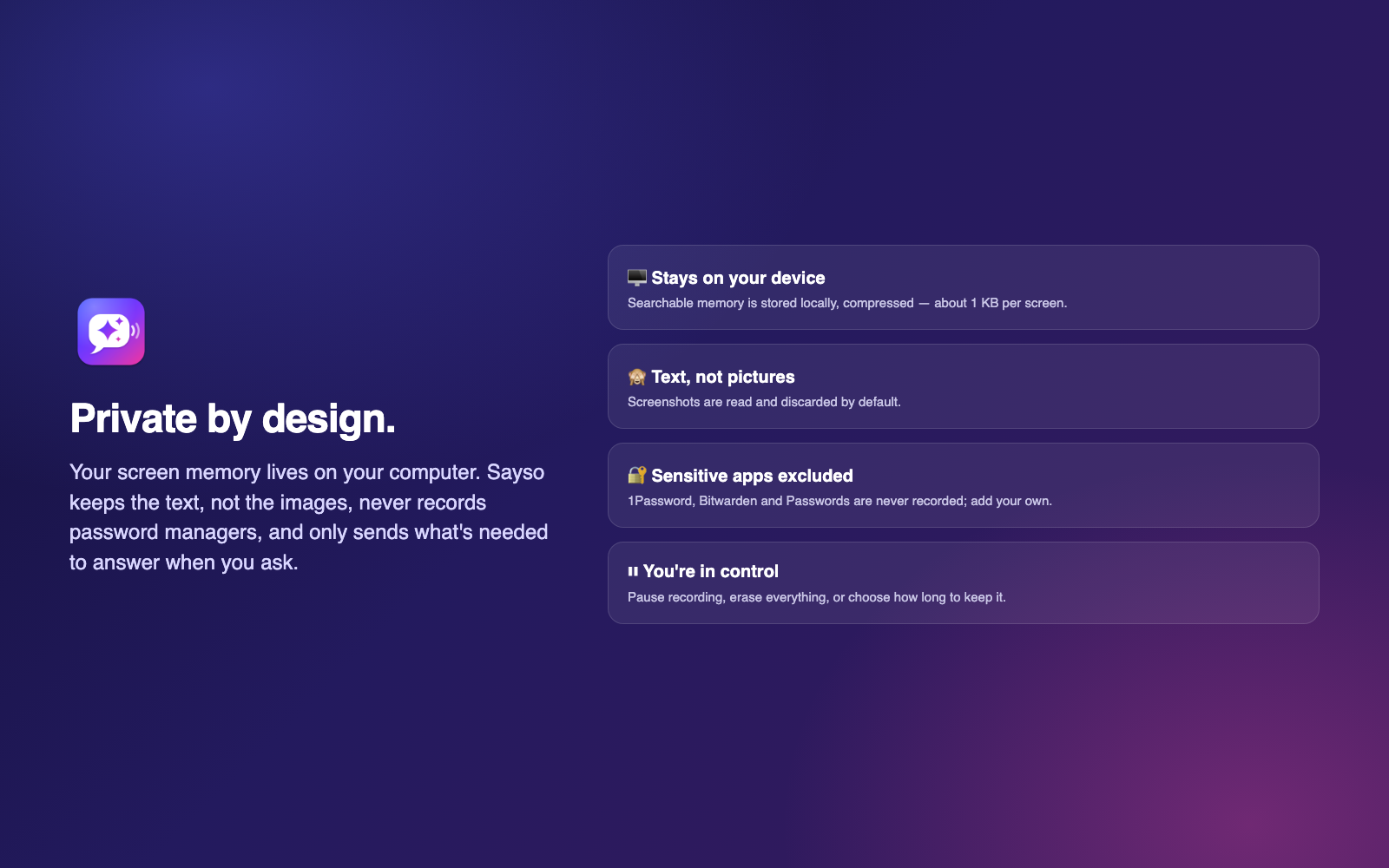
- Screen memory stays on your computer. Sayso keeps the text, not the images.
- Password managers (1Password, Bitwarden, Passwords) are never recorded, and you can exclude any other app.
- Pause recording any time, choose how long to keep memory, or erase everything.
- When you ask a question, only what’s needed to answer is sent to the AI providers (Anthropic for Claude, OpenAI for speech). Your account’s API keys are never on your computer.
Pricing
- Free download with 100 starter credits.
- Credit packs: €10 (1,000 credits), €25 (2,500), €50 (5,000). Credits never expire.
- Plans: Basic €19/month (1,900 credits), Pro €49/month (4,900 credits, full computer control, scheduled bots, API and MCP connections).
- A typical question uses about 5 credits. You see your balance in the app at all times.
Requirements
- Requires Windows 10 (version 1903) or Windows 11.
- Internet connection for AI answers and voice.
FAQ
- Does Sayso record video? No. It reads the text on screen and keeps that. Images are discarded by default.
- Can I use it in Icelandic? Yes. The app is in English and Icelandic, and you can talk to it in Icelandic.
- Does it work offline? Screen memory is recorded offline; answers and voice need an internet connection.
- Can I stop it from controlling my computer? Yes — turn it off in Settings → Control, or press ⌥ Esc at any time.
- Where is my data? Screen memory is on your computer. Your account (email, credits, subscription) is stored on Sayso’s server in the United Kingdom (Manchester).
Reviews
There are no reviews yet.